
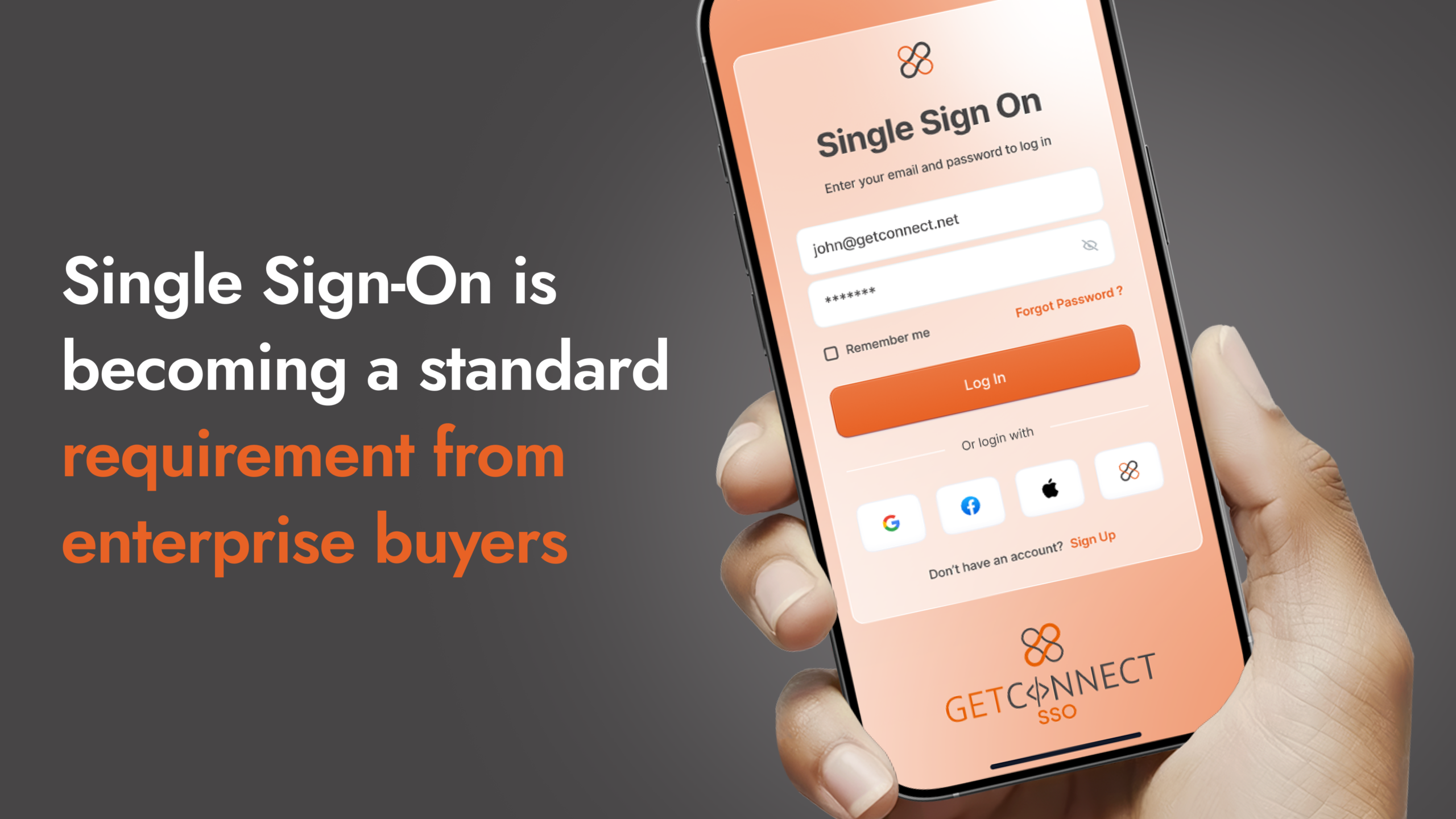
It usually arrives as a line in an email. Your contact at a large corporate client, or perhaps their procurement team, mentions that their IT department requires all suppliers to support Single Sign-On before they can access the ordering portal, or before the contract is finalised, or before anything moves forward at all. If you have never had to deal with this before, your first reaction is probably some version of: what does that mean, and how complicated is this going to be?
The good news is that SSO is considerably more straightforward than it sounds. The concept is simple, the business case for implementing it goes well beyond satisfying one client’s IT team, and with the right platform behind you, getting it in place doesn’t have to be a lengthy or disruptive project.
This guide covers what SSO actually is, why large organisations require it, what it means for you as a supplier, and how GetConnect can help you get there.
What is SSO?
SSO, or Single Sign-On, lets your enterprise buyer’s employees access your platform using their existing company login. No separate account. No password to manage on your side.
Rather than a user holding a separate username and password for every platform they use, they log in once through their company’s central identity system, and that single authentication carries them into every connected application they’re authorised to use. You’ve almost certainly used a version of this yourself: when a website offers you the option to sign in with Google or Microsoft rather than creating a new account, that’s the same principle at work.
In a corporate environment, this runs through what’s called an Identity Provider, or IdP. Large organisations typically manage their user directory through platforms like Microsoft Azure Active Directory, Okta, or Google Workspace. When their employees need to access a supplier’s ordering portal, SSO lets them do so using the same credentials they use for everything else at work. Your system never needs to store or manage the user’s password at all. It simply receives a secure confirmation from the enterprise’s own identity system that the person is who they say they are, and has permission to be there.
Why do enterprise clients require SSO from suppliers?
When a large organisation asks its suppliers to support SSO, it isn’t being difficult for the sake of it. There are practical reasons why centralised identity management has become standard in enterprise procurement.
Control over who can access what
Large companies have thousands of employees interacting with dozens of external suppliers as part of their daily work. Without SSO, each employee holds a separate login for each supplier portal, managed entirely outside the company’s own IT infrastructure. That leaves the business with no central visibility over who’s accessing which systems, and no reliable way to remove that access when someone leaves or changes role.
With SSO in place, the moment an employee’s account is deactivated centrally, their access to every connected system, including yours, is revoked automatically. No manual process, and no risk that someone who left months ago still has an active account on your platform.
Compliance and audit requirements
UK GDPR requires organisations to demonstrate, not just achieve, that access to personal data is properly controlled. When user access is managed through an identity provider, logins, access events and permission changes are recorded centrally, which makes assembling an audit trail far more manageable than pulling evidence together from dozens of separate systems under pressure.
Other frameworks carry similar expectations. ISO 27001 requires regular access reviews and prompt revocation when someone leaves. SOC 2 places identity management at the centre of its security criteria. PCI DSS mandates unique user IDs and regular access reviews for anyone handling payment card data. SSO makes meeting these requirements considerably more manageable, because the controls sit in one place rather than being scattered.
The financial stakes are real too: under UK GDPR, serious breaches can result in fines of up to £17.5 million or 4% of annual global turnover. For most suppliers, that’s not an abstract risk.
Security, plain and simple
Compromised credentials are the most common starting point for data breaches, involved in around one in five incidents studied in Verizon’s 2025 Data Breach Investigations Report. When employees manage separate passwords for every external system, weak passwords, reused passwords and forgotten but still-active accounts become likely. Breaches that begin with compromised credentials take an average of 292 days to identify and contain, and the global average cost of a data breach in 2025 stands at $4.44 million.
SSO addresses this by reducing the number of separate credentials in circulation and placing authentication in the hands of a hardened, centrally managed identity system that the enterprise itself controls and monitors.
What this means for you as a supplier
If an enterprise client has told you SSO is a requirement, the key thing to understand is that this isn’t about your internal team. It’s about how their employees, buyers and procurement managers access your platform. They want their people to log into your ordering portal using the same credentials they use for everything else at work, without a separate account or password to remember.
From your side, this changes the relationship between your platform and your client’s IT infrastructure. Instead of managing buyer accounts yourself, you’re connecting your platform to their identity system and letting it handle authentication. Once that connection is in place, any authorised employee can access your platform instantly, and any change to who’s authorised, joining, changing role, or leaving, is managed entirely on their side.
That’s a better experience on both ends. Their employees get frictionless access. Their IT team keeps control. You stop carrying the administrative overhead of managing buyer accounts and password resets for clients who’d rather handle that centrally.
It matters commercially too. Enterprise buyers increasingly treat SSO support as a filter when evaluating suppliers. If your platform doesn’t support it, you may find yourself removed from shortlists before a conversation has properly started.
SSO and PunchOut: understanding where this fits
If you’ve been speaking with enterprise clients about connecting your eCommerce platform to their procurement systems, you may have heard the term PunchOut mentioned alongside SSO.
PunchOut is a broader integration standard that lets a buyer access a supplier’s catalogue directly from within their own procurement system, such as SAP Ariba or Coupa, select products, and have a purchase order created and transmitted automatically without leaving their own environment. It’s increasingly expected by organisations that have invested in procurement automation.
SSO is the first step in that journey. Before a buyer can move seamlessly between their procurement system and your platform, the identity piece needs to be in place. Getting SSO implemented positions you to take the next step toward full PunchOut catalogue integration when the time comes, and it’s a more manageable starting point than tackling everything at once.
How GetConnect approaches SSO
GetConnect’s SSO capability is built to work the way enterprise buyers actually operate. We support integration with the major identity providers that large organisations use, including Microsoft Azure Active Directory, Okta, and Google Workspace, and our implementation is designed for Magento and WordPress, the platforms most commonly used by suppliers in the promotional merchandise and B2B distribution sectors.
In practice, that means when one of your enterprise clients requires SSO, we can connect your platform to their identity provider without disrupting how your site works for everyone else. Their employees get the seamless, single-credential access their IT team requires. Your other customers continue to log in exactly as they always have. And centralising access this way supports clearer visibility over who’s logging in and when, alongside the security and compliance standards your biggest clients expect.
Importantly, SSO implementation doesn’t need to be a lengthy or disruptive project. Once the technical configuration is in place, it’s relatively quick, and the ongoing benefits, for both your team and your clients, begin immediately.
For suppliers working with large corporate clients in the promotional merchandise sector, this capability can be the difference between being a preferred, deeply embedded partner and sitting on the outside of procurement processes that have moved on without you.
A note on SSO and multi-factor authentication
SSO centralises authentication, which is a significant improvement over managing dozens of separate passwords. It’s worth being aware, though, that centralisation also raises the stakes around the identity provider itself: if that account is compromised, the impact is broader than a single password breach would be. That’s why SSO should always sit alongside multi-factor authentication, or MFA, which requires a second form of verification alongside the password, typically a code from an authentication app or a trusted device.
Most enterprise identity providers build MFA in as standard, and frameworks including NIS2 and DORA now treat it as mandatory rather than a recommendation. When your client’s IT team sets up the SSO connection to your platform, MFA will almost certainly already be part of how they manage their users, so this is usually handled on their side rather than yours.
Frequently asked questions
Which identity provider does my client use?
Microsoft Azure Active Directory and Okta are the most common, but it’s worth confirming directly with your client’s IT contact before any integration work begins, since setup steps differ slightly between providers.
Do I need SSO for just one client, or should I build it as a standing capability?
If other enterprise clients are likely to require SSO in future, or you expect to win more business of this kind, it’s worth implementing the capability properly across your platform rather than treating it as a one-off fix.
Does my eCommerce platform need to be on a specific system to support SSO?
GetConnect’s SSO integration is built for Magento and WordPress. If your site runs on either, the connection is straightforward rather than requiring custom development.
If I am already talking to a client about PunchOut, does SSO still matter?
Yes. SSO is the first step toward full PunchOut catalogue integration, so implementing it now sets you up for that next step rather than retrofitting it later. The two are complementary, not alternatives.
Who on my team needs to be involved in implementing SSO?
SSO sits at the intersection of IT, sales and commercial relationships, so having the right people in the room from the start tends to make the process considerably smoother.
In summary
SSO can feel like technical jargon that arrives at an inconvenient moment, attached to a client requirement you didn’t anticipate. But it’s a well-established, widely used approach to access management, one that makes life better for everyone involved when it’s implemented properly: your clients get the security and audit control their IT teams require, you get less administrative overhead and a lower exposure to credential-based risk, and your buyers get a frictionless way into your platform.
GetConnect has built SSO support into its platform specifically to make this transition manageable for suppliers. If you’ve received a client requirement and aren’t sure where to start, or want to understand how SSO fits into a broader strategy around PunchOut and procurement integration, we’d be glad to talk it through.
Visit SSO Integration for B2B eCommerce | GetConnect or get in touch with our team to find out more.